
Desktop Small Fan Control Board Guide: Speed, Oscillation, Pitfalls
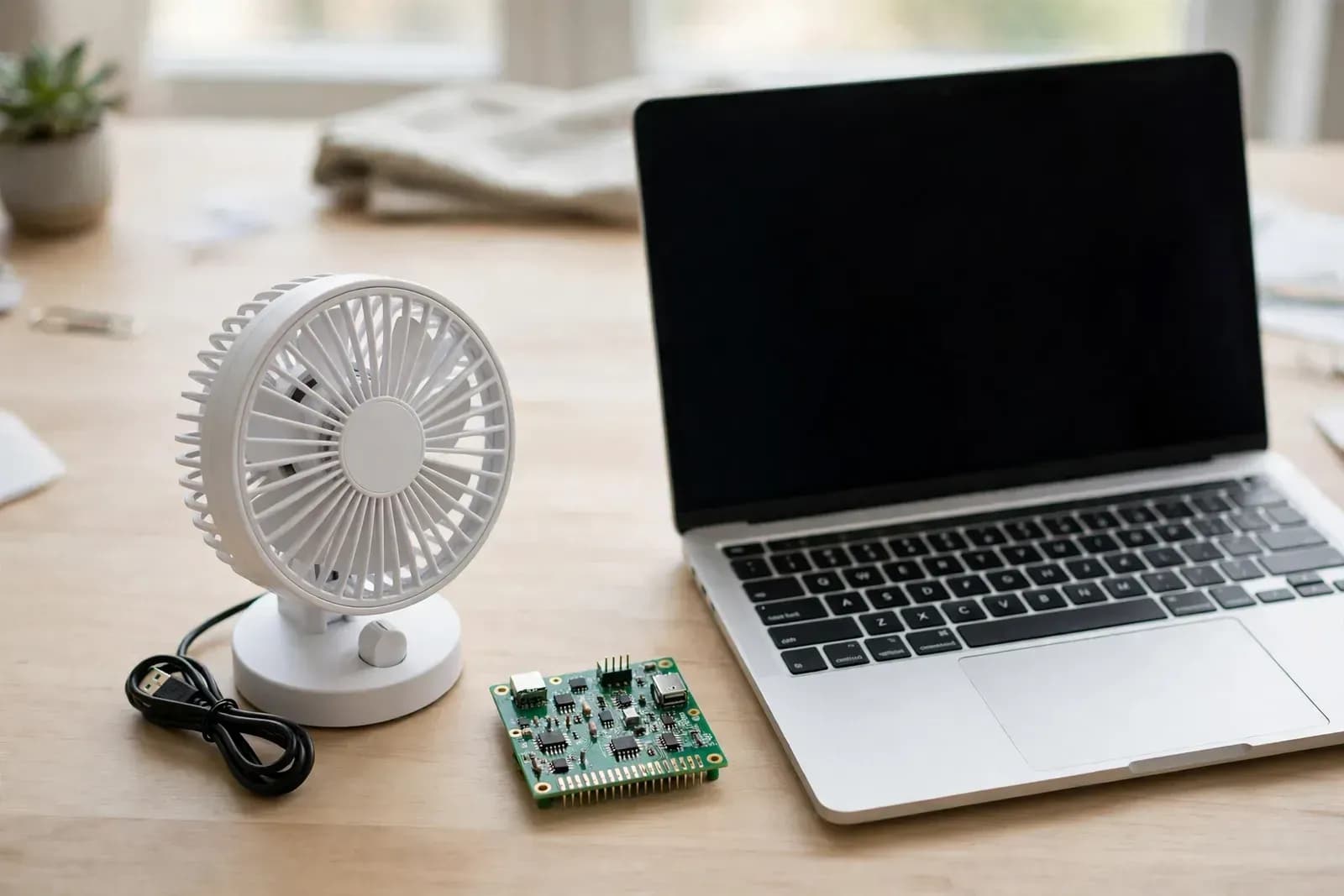
A desk fan that feels wrong on every speed usually has a control-board problem. This guide compares motor, speed curve and power options, and lists five mass-production pitfalls.
A desk fan looks like the simplest appliance in the room: plug in the USB cable, press a button, feel the breeze. Yet when buyers start complaining, the complaints rarely sound simple. Speed one is too strong and blows papers everywhere. Speed three feels like nothing at all. Oscillation sticks halfway with a clicking noise. The base gets warm while charging. Buyers do not open the fan to find out whether the motor or the board is at fault. They leave a bad review and send it back.
Most of those problems trace back to the control board. It coordinates the motor, the buttons, the oscillation mechanism, the lights and the charging circuit. How well it does that job decides whether the fan feels strong enough, steady enough and quiet enough to keep on a desk all day.
What the Control Board Actually Controls
A desktop fan control board juggles several jobs at once:
- Multi-speed control: low, medium and high speeds must feel clearly different, with smooth steps between them rather than a jump from a whisper to a gale.
- Oscillation and angle: the swing motor moves the airflow from side to side, and its speed and range should match the fan speed instead of fighting it.
- Timer and modes: auto-off timers, natural breeze and sleep modes are all program logic. Natural breeze varies speed along a curve; sleep mode steps the speed down gradually through the night.
- Buttons, remote and app: touch buttons, keys, infrared remote, app or Bluetooth control must stay in sync. If the remote turns the fan off, the button light should not stay on.
- Power and charging: USB, Type-C or battery power all behave differently. A laptop USB port, a phone charger and a power bank do not deliver the same current, and the board has to cope with all of them.
- Lights and extras: ambient lighting or mist humidifying share the same board, power supply and control logic. Switching them on should not drag the fan speed down.
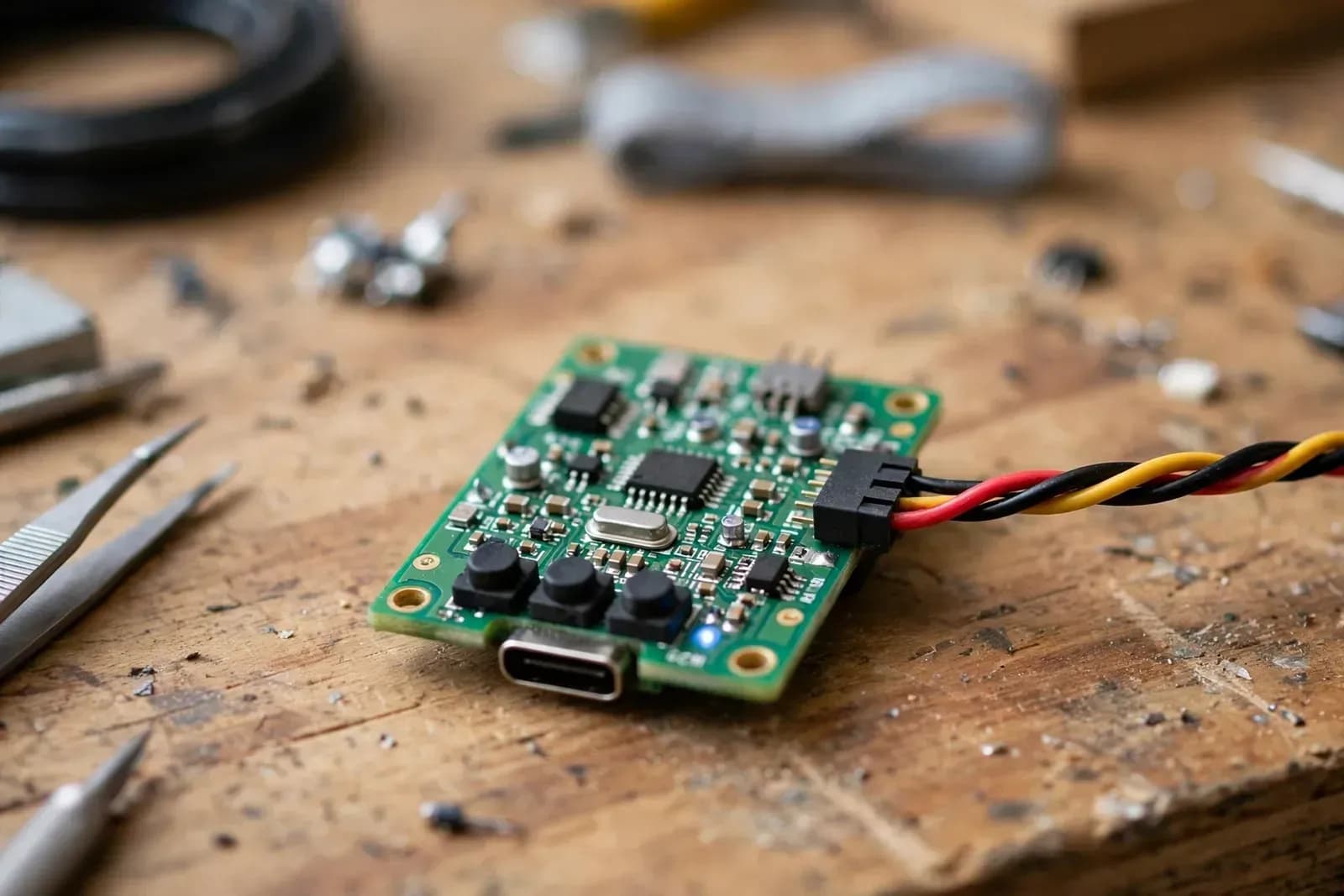
Jushi's JS-FS15-2 desktop small fan control board covers this set: lighting effects, timer and oscillation, multi-level wind speed adjustment, optional mist humidifying and infrared remote control, with app / Bluetooth control, natural / sleep wind modes, oscillation angle adjustment and ambient light modes available on request. Power supply (USB / Type-C / battery), board size and shape, buttons and interaction, program logic and housing fit are all customized to the customer's finished product. See the JS-FS15-2 desktop small fan control board product page.
Choosing the Scheme: Motor, Speed Curve and Power
Brushed or Brushless Depends on Positioning
Desk fans generally use one of two motor types. Brushed motors are simple and cheap, which suits high-volume entry-level models, but the brushes wear over time and noise tends to grow. Brushless DC (BLDC) motors use electronic commutation instead of brushes, so they run more efficiently, more quietly and with finer speed control, at the cost of a more complex drive circuit and a higher price.
This is a positioning decision, not a contest. A low-cost model replaced every year does fine with a brushed scheme. A mid-range or premium model sold on quiet operation, long life and app control is a better fit for brushless. The important part is to settle the motor and its drive together at the scheme stage. Change the commutation method later and the drive circuit and speed curve both need rework.
Market reports point in the same direction. Mordor Intelligence puts the BLDC fan market at about USD 1.38 billion in 2025, growing at roughly 10.8% a year through 2031, driven by tighter energy-efficiency rules and variable-speed electronic commutation. Growth Market Reports values USB rechargeable desk fans at about USD 1.41 billion in 2024, rising toward USD 2.97 billion by 2033 at about 8.7% a year. Different firms, different scopes, same direction: the desk fan is moving from "it spins" toward quiet, efficient and connected.
More Speeds Do Not Automatically Mean Better Breeze
A good speed curve matters more than the number of speeds. Low should genuinely feel gentle enough to run beside a desk for hours. Medium is the everyday setting: enough airflow without much noise. High is the burst setting for fast cooling, where some extra noise is acceptable but vibration is not.
Natural breeze and sleep modes test the curve design. Natural breeze is not random jumping; it is speed rising and falling within a band, imitating outdoor gusts. Sleep mode steps down gradually and settles on a very light speed. If the curve is too steep, the breeze feels jumpy; if it is too flat, it feels no different from a normal speed. Test prototypes by feel at 30 cm and 60 cm from the outlet, not by motor RPM alone.
USB Power Is Not All the Same
Power is where desk fans most often fail in the real world. A fan that runs fine from a laptop port may slow down or restart from a particular power bank at high speed with oscillation and lights on. The usual cause is insufficient power margin: peak current under full load exceeds what that source can deliver.
A sound scheme keeps three margins. Design the input for the worst-case source, not the nominal 5 V figure. Soft-start the motor so high speed does not pull full current instantly. On battery models, manage charging and discharging separately so the charge current and motor current do not compete. Battery safety deserves special care: the US Consumer Product Safety Commission and Health Canada have both recalled rechargeable small fans over lithium battery overheating and fire risk during charging. The failures were in batteries and charge management, not in the fan blades.
Five Mass-Production Pitfalls
First, it works with one charger and fails with another. Prototypes tested on a single charger hide this completely. Before mass production, test every combination buyers will use: laptop USB port, 5 V charger, power bank, and a long cable with real voltage drop. Run high speed plus oscillation plus lights for two hours straight and watch for slowdowns, restarts or heat.
Second, oscillation sticks or clicks. Oscillation is mechanical, so gear clearance and assembly tolerance matter. Without stall detection, a jammed gear keeps the motor pushing, which means noise at best and a burnt drive at worst. Build in stall detection with a timeout stop, and sample-test full oscillation travel on the line for sticking points.
Third, buttons, remote and app disagree. The remote turns the fan off but the button light stays on; the app shows speed two while the fan runs at speed three. These are the most visible defects because users spot them immediately. Map the state machine at the scheme stage so any control method that changes a state updates every display with it.
Fourth, lights and mist steal power from the fan. If airflow drops noticeably when the ambient light or mist function switches on, the current budget was not done properly. Budget each extra function separately, and set priorities: fan speed first, with lights and mist stepping down automatically when power is tight, rather than letting the motor slow down.
Fifth, noise only shows up in a quiet room. A factory floor hides motor whine, gear noise and wind noise under its own background noise. In a buyer's bedroom at night, on sleep mode, all of it comes out. Keep a relatively quiet room for sampling inspection, and listen to sleep and low speeds there instead of relying on a decibel meter alone.
Conclusion
A desktop small fan control board scheme is not won by stacking features. It is won by a smooth speed curve, steady oscillation, tolerance for whatever power source the buyer plugs in, and quiet operation late at night. Settle the motor, speed curve and power design at the scheme stage, then test under the worst power source, the quietest room and the fullest load before mass production. Most returns and bad reviews can be caught there.
If you need a custom control board in this category, contact us through the official website. The process runs from requirements to scheme, prototype confirmation and mass production.
Sources
- Mordor Intelligence, BLDC Fan Market: BLDC fan market about USD 1.38 billion in 2025, about 10.8% CAGR 2026–2031, driven by energy-efficiency regulations and variable-speed electronic commutation.
- Growth Market Reports, Desk Fan USB Rechargeable Market: USB rechargeable desk fan market about USD 1.41 billion in 2024, expected about USD 2.97 billion by 2033, about 8.7% CAGR.
- US Consumer Product Safety Commission, 2021 Rite Aid rechargeable handheld fan recall: lithium battery can overheat while charging, posing a fire hazard.
- Health Canada, 2026 portable clip-on rechargeable mini fan recall: battery compartment sealing and polarity marking issues could lead to reversed battery insertion, posing a fire hazard.
- Jushi official website, JS-FS15-2 product page: product functions and customization options (lighting, timer and oscillation, multi-level wind speed, optional mist humidifying and infrared remote, app / Bluetooth, natural / sleep wind modes).